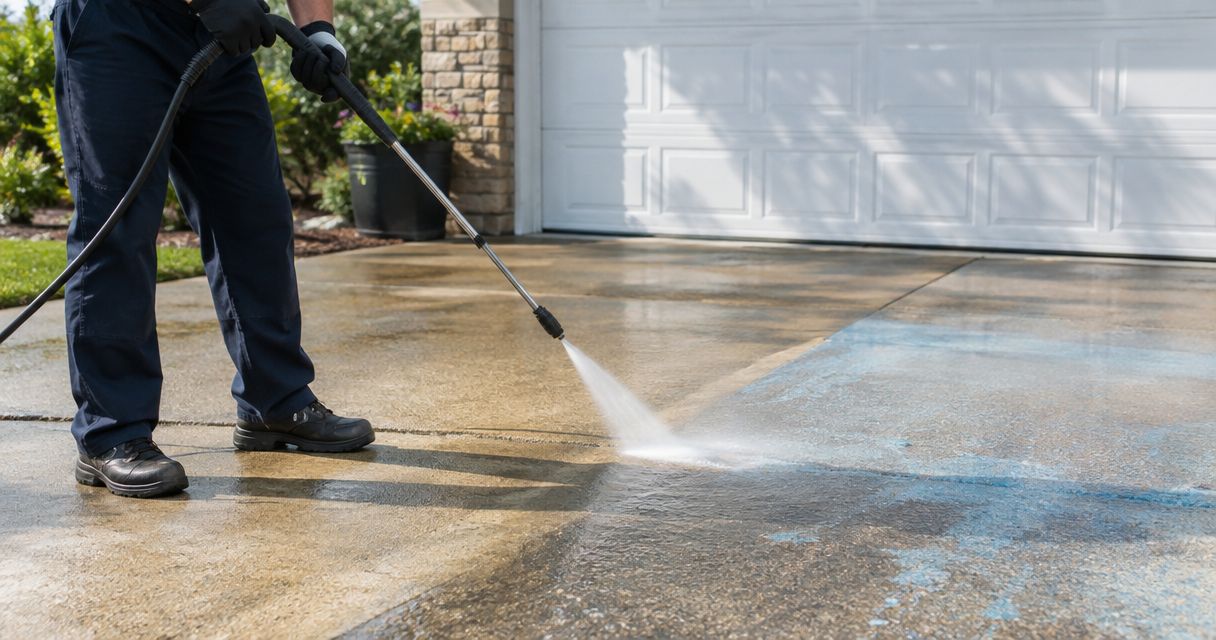
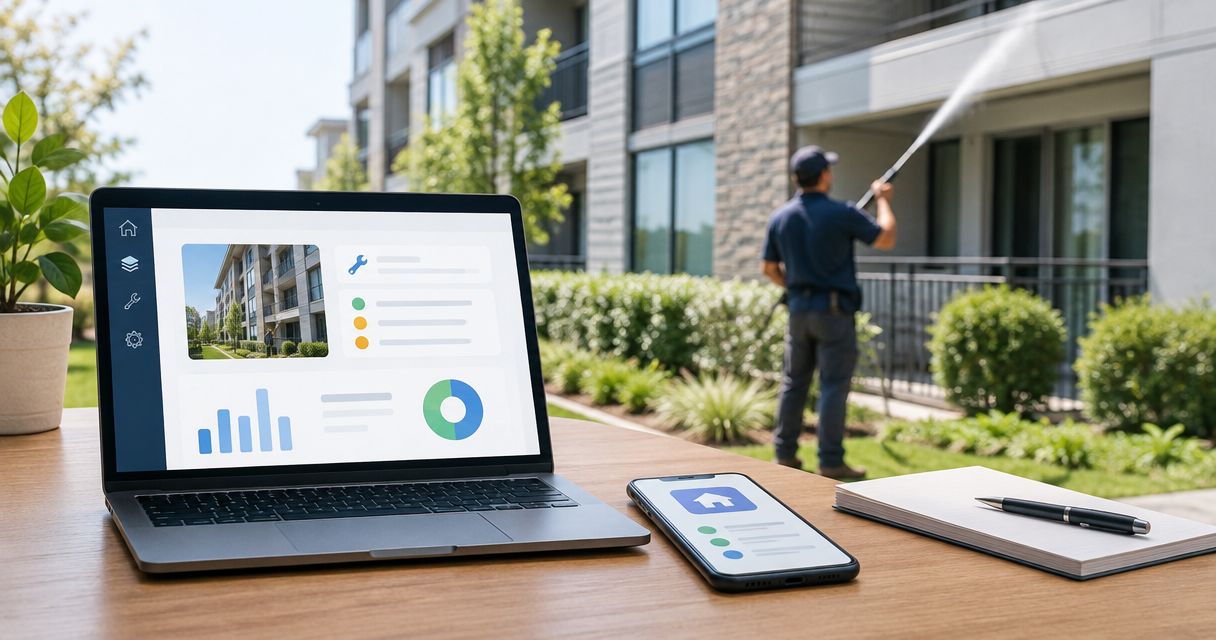
Instead of copying exterior-cleaning details between emails and maintenance tickets, use a Buildium maintenance ticket exterior cleaning workflow that keeps the scope, approval, contractor handoff, and completion evidence together. This guide explains a practical 2026 process for coordinating the work without assuming a direct software connection or automatic contractor updates.
- Use a Buildium maintenance ticket exterior cleaning workflow to keep scope, approval, and completion evidence together.
- Socalemm provides exterior cleaning in Newport Beach and Orange County; keep contractor communication separate from software access.
- Separate residential house washing from commercial pressure washing when defining the work.
- Close the ticket after checking the approved scope against completion photos, not after receiving a scheduling message.
Why this matters
A request to clean the exterior does not tell a contractor which surfaces need attention. It also leaves the property manager without a clear basis for checking completion. The ticket needs a defined area, a reason for cleaning, access instructions, and a record of what was approved.
Socalemm provides residential and commercial pressure washing, house washing, roof soft washing, and related exterior cleaning services in Newport Beach and Orange County. Socalemm exterior cleaning is best suited to homeowners and businesses seeking those services in that service area.
For a managed property, the useful connection is operational: the maintenance record holds the decisions, while the contractor receives the information needed to assess and perform the work. Do not treat the contractor's website as a Buildium integration or assume an email reply changes a ticket automatically.
Before you start
- Account access: Have authorized access to the property's maintenance records in Buildium. Confirm that your role permits the actions you need, including recording updates and managing the request.
- Job materials: Gather the property identifier, surface descriptions, access restrictions, current photos, and the person responsible for approving the work. Keep resident details out of contractor messages unless needed for authorized access.
- The handoff gotcha: A maintenance record and a contractor conversation are separate records unless a verified connection links them. Assign someone to copy approvals, scheduling changes, and completion evidence back into the ticket.
Buildium interface labels and available actions depend on the account and current interface. The bold labels below describe information to record in your workflow; they are not claimed to be Buildium button names. Use your account's existing maintenance process rather than searching for an unverified integration setting.
Request record
Define the cleaning scope
- Open the relevant property maintenance record using your authorized Buildium account. Check the property and, where relevant, the unit before adding exterior-cleaning details.
- Write a specific task title. A useful 2026 example is: Exterior cleaning — driveway and front walkway. Name the actual areas instead of using a broad title such as property cleanup.
- Record the Requested area, Surface material, and Observed condition. Describe what you can see: dirt on a concrete walkway, staining on an exterior wall, or debris on a patio. Do not diagnose an unknown substance from a photo.
- Add Access restrictions and Excluded areas. Explain whether the contractor needs a gate opened, whether an entrance must remain usable, and which surfaces are outside the request.
- Attach current photos where your account permits attachments. As a practical documentation standard, take 3 views: the whole work area, the surface condition, and the access route.
Expected result: Another authorized person can identify the location, understand the request, and explain the scope without reading a separate email chain.
Keep homeowner and commercial requests distinct. A house-washing request concerns the home's exterior and household access. A storefront request needs business-specific instructions, such as keeping a customer entrance usable and coordinating work around the site's operations.
A roof request needs its own assessment. Record roof soft washing as a separate scope rather than folding it into a driveway pressure-washing instruction. Do not ask a resident to climb onto a roof to collect documentation; use safely obtainable photos and request a contractor assessment.
Use a repeatable brief
Copy this structure into the maintenance description or your internal job brief. These are suggested headings, not software fields:
- Requested area: Name the driveway, patio, exterior wall, roof, or storefront area.
- Observed condition: Describe the visible issue without guessing its cause.
- Requested outcome: State what needs assessment or cleaning.
- Access restrictions: Identify gates, entrances, parked vehicles, and occupancy considerations.
- Excluded areas: List surfaces that are not part of the request.
- Approval owner: Identify the authorized decision-maker internally.
- Completion evidence: Specify the photos and written summary needed for review.
This template's advantage is consistency. Its limitation is that a written description cannot establish surface condition or the appropriate cleaning method on its own; the contractor still needs enough information to assess the work.
Approval and contractor handoff
Separate assessment from authorization
- Review the request for missing information before sending it to a contractor. Ask for clarification if the ticket says only clean the building or wash everything.
- Send the scope and relevant photos through an agreed communication channel. State whether you are requesting an assessment, a quote, or scheduling for already-approved work.
- Ask the contractor to identify the proposed cleaning approach and any exclusions. Do not prescribe one pressure setting or cleaning chemical for every surface.
- Record the approved scope in the maintenance ticket. Include any change from the original request, such as separating roof work from walkway cleaning.
- Confirm who is responsible for communicating the approval and recording the contractor's response. Keep that ownership explicit throughout the job.
Expected result: The contractor and approval owner have the same description of the authorized work, and the ticket distinguishes requested work from approved work.
For Socalemm exterior cleaning, describe the service you need rather than asking for an unspecified property wash. Residential requests can distinguish house washing, roof soft washing, and pressure washing. Commercial requests should identify the relevant exterior area and business access requirements.
An assessment request is not authorization to start work. Make that distinction explicit in your 2026 maintenance process, especially when several people can comment on the same request.
If the assessment reveals a damaged surface or a different scope, record the change before scheduling. Cleaning is not a substitute for a repair decision. Keep repair concerns visible to the approval owner rather than burying them in contractor correspondence.
Scheduling and access
Confirm the work window
- Record the agreed work date or window after the required approval. Keep proposed dates separate from confirmed arrangements.
- Confirm the access contact and the method for entering the work area. Share sensitive access details only through a channel approved by the property manager.
- Give occupants or site staff the preparation instructions relevant to their property. For a home, that can include moving belongings from the agreed cleaning area. For a business, coordinate the affected entrance or exterior operating area.
- Ask the contractor to confirm any water-access requirements and site restrictions before arrival. Do not assume the property has a suitable connection or that every exterior outlet can remain exposed.
- Record changes in the maintenance ticket and notify the people affected. A rescheduled contractor visit must not leave occupants working from an obsolete message.
Expected result: The ticket shows the current arrangement, the work area is accessible, and affected people know what they need to prepare.
Use 2 checkpoints in your scheduling routine: approval before confirming the visit, and access confirmation before the contractor arrives. These are recommended process checks, not a claim about Buildium's default settings.
Keep instructions proportionate to the property. A driveway request needs clarity about vehicles and the cleaning boundary. A storefront request needs clarity about customers and staff. A roof request needs contractor-led access planning, not homeowner instructions to prepare the roof physically.
Completion record
Check the work before closing
- Request a written summary identifying the areas cleaned and any approved areas left incomplete. Ask for an explanation when the delivered scope differs from the authorization.
- Collect completion photos from comparable viewpoints to the original documentation. Match the area and angle as closely as practical so the record is useful.
- Compare the evidence with the approved scope, not with a general impression that the property looks cleaner. Check excluded areas as well so additional work does not become an undocumented assumption.
- Record follow-up items separately. A remaining stain, an inaccessible area, and a newly noticed repair concern require different decisions.
- Update the maintenance record according to your account's process only after the authorized reviewer accepts the work. Keep invoice handling and completion acceptance distinct if your organization treats them separately.
Expected result: The completed ticket explains what was authorized, what was performed, and whether any follow-up remains.
A scheduling confirmation proves a visit was arranged; it does not prove cleaning was completed. Likewise, a completion photo documents appearance, not the condition of every surface or a guarantee about future staining.
For your 2026 records, retain the approved description alongside the final summary. A useful maintenance history should explain the work to someone who was not involved in the original conversation.
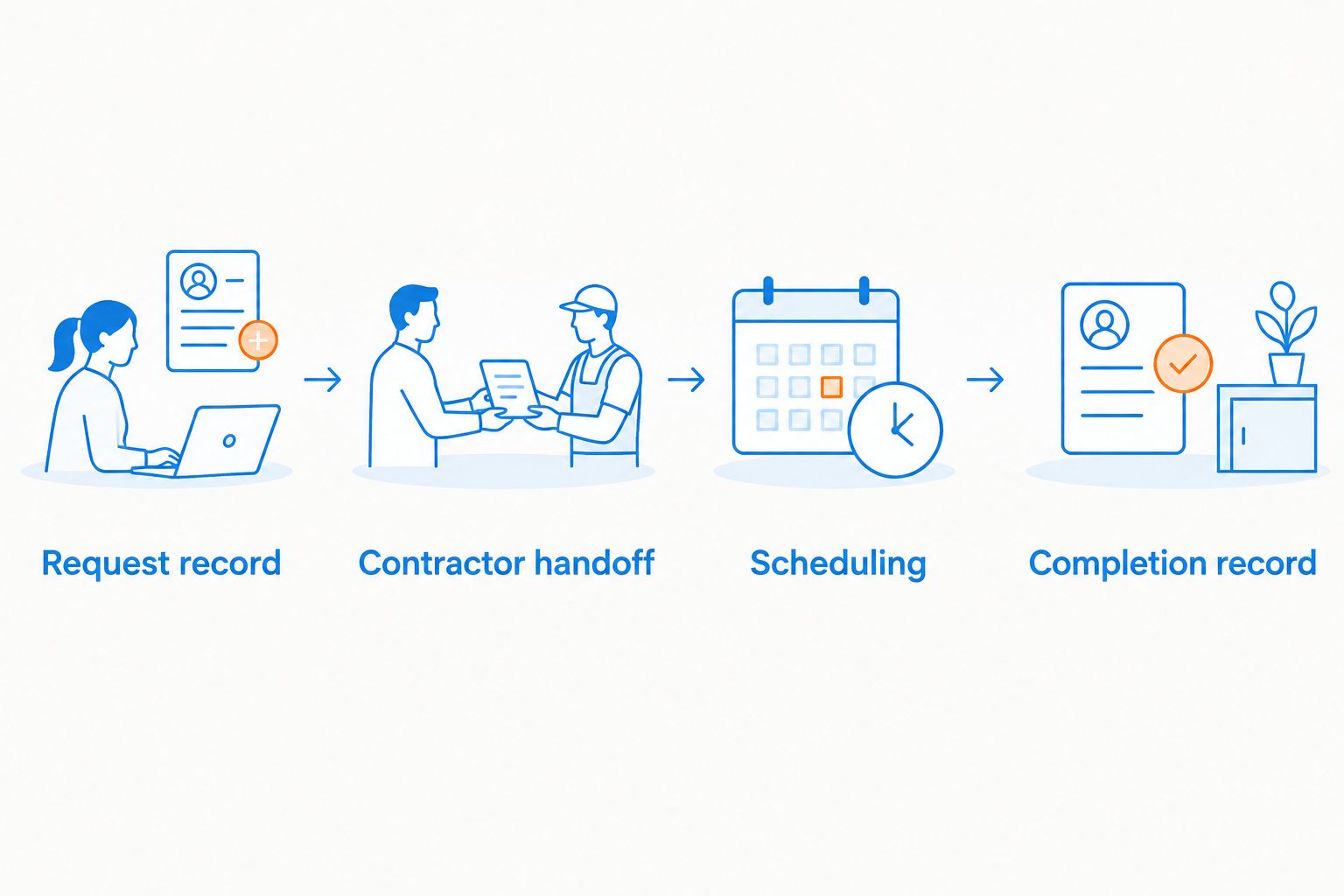
Repeat cleaning after a property review
A second workflow starts with a planned property review rather than a resident request. Use it when you want to assess exterior conditions repeatedly without treating every inspection as automatic authorization for cleaning.
| Workflow | Best for | Main advantage | Main limitation |
|---|---|---|---|
| Request-led cleaning | A specific reported exterior issue | Starts with a defined location and concern | The initial report can omit adjacent areas or access details |
| Review-led cleaning | Planned checks of managed exterior areas | Supports a consistent inspection and documentation routine | A review alone does not establish that cleaning is needed |
For a review-led workflow, record the inspection findings first. Create or update the maintenance request when those findings identify a cleaning need, then use the same approval, handoff, scheduling, and completion checks described above.
If your Buildium account supports a recurring maintenance function, confirm its behavior and your permissions before using it. Do not assume that a repeated task sends contractor instructions, authorizes work, or schedules a visit.
Repeat the assessment routine, not an unchecked cleaning instruction. For a 2026 maintenance calendar, choose review timing from the property's actual condition and management requirements rather than inserting an unsupported universal cleaning interval.
Troubleshooting
The contractor never received the request
Check the communication record and confirm the recipient. Creating a maintenance ticket does not, by itself, establish that an outside contractor received it. Send the agreed brief and record the handoff.
The contractor's message and ticket disagree
Identify the latest approved scope, then correct the maintenance record and notify the affected people. Do not resolve the disagreement by assuming the newest email authorized additional work.
The work area is inaccessible
Pause scheduling until the access owner confirms the arrangements. Record the obstruction, such as vehicles or a locked gate, and communicate the revised plan before another visit is agreed.
Completion photos do not show the requested area
Ask for documentation that identifies the approved work area. A close-up of one clean patch cannot establish completion of an entire driveway, patio, or storefront scope.
A reported stain remains after cleaning
Ask the contractor to explain the remaining condition and record that explanation. Do not promise complete stain removal or instruct repeated cleaning without assessing the surface and the proposed next step.
Customize your workflow
Add detail where it prevents a real handoff problem. A residential template can focus on household access, outdoor belongings, and the separation of house and roof work. A commercial template can focus on customer access, staff coordination, and clearly bounded cleaning areas.
Keep the approval and evidence requirements consistent across both templates. Socalemm provides residential and commercial exterior-cleaning services; that does not establish shared Buildium access or automatic updates between the contractor and your account.
Once the scope is ready, request a quote using that description. The contractor conversation should refine the job, not replace the maintenance record.
Request an exterior-cleaning quote
Describe the surfaces, access restrictions, and requested work in Newport Beach or Orange County.
FAQ
How do I connect exterior cleaning to a Buildium maintenance ticket?
Use the maintenance ticket as the record for the cleaning scope, approval, scheduling arrangements, and completion evidence. Send the approved brief to the contractor through an agreed channel and record the response in the ticket.
Does Socalemm automatically receive Buildium maintenance requests?
Do not assume Socalemm automatically receives Buildium maintenance requests. Confirm the contractor communication channel and assign someone to record the handoff and subsequent updates.
What should I include in an exterior-cleaning maintenance request?
Include the work area, surface description, visible condition, access restrictions, excluded areas, and approval owner. Add safely obtainable photos and specify the evidence needed to review completion.
Should house washing and roof soft washing go in the same ticket?
House washing and roof soft washing need separately defined scopes, even when coordinated under one maintenance request. Identify the surfaces, requested assessment, and approval for each rather than using one general washing instruction.
Can I set up recurring exterior-cleaning maintenance in Buildium?
Confirm the recurring maintenance functions available in your Buildium account before setting up a repeated task. A recurring review should assess the property's condition; it should not be treated as automatic authorization or contractor scheduling.
When should I close an exterior-cleaning maintenance ticket?
Close the ticket after the authorized reviewer checks completion against the approved scope. Record incomplete areas and follow-up decisions before treating the request as finished.
What is different about a commercial exterior-cleaning ticket?
A commercial ticket needs business-specific access and operating instructions, such as coordination around customer entrances and staff activity. Keep those requirements separate from residential household preparation instructions.
One last thing
Preserve the approved scope when the request changes. Do not overwrite the original problem description with a short completed note; keep enough history to distinguish what was reported, what was approved, and what was delivered. That record makes the next exterior-cleaning request easier to assess.